Built-in intelligence.
More time
for care.

.png?width=700&height=700&name=CurveAI%20Suite%20Hero%20(6).png)
One powerful system for
every part of your practice.
Curve+ AI Suite brings together specialized AI solutions on one intelligent platform—working in sync to power better outcomes for your practice and your patients.
Curve Care+ delivers clinical intelligence for better care and stronger teams.
Embedded clinical AI that helps your team document faster, chart smarter, and streamline workflows—without adding complexity.
 Save hours
 every week
 Capture every
 important detail
 Reduce risk
 and stay compliant
*Imaging powered by Pearl AI
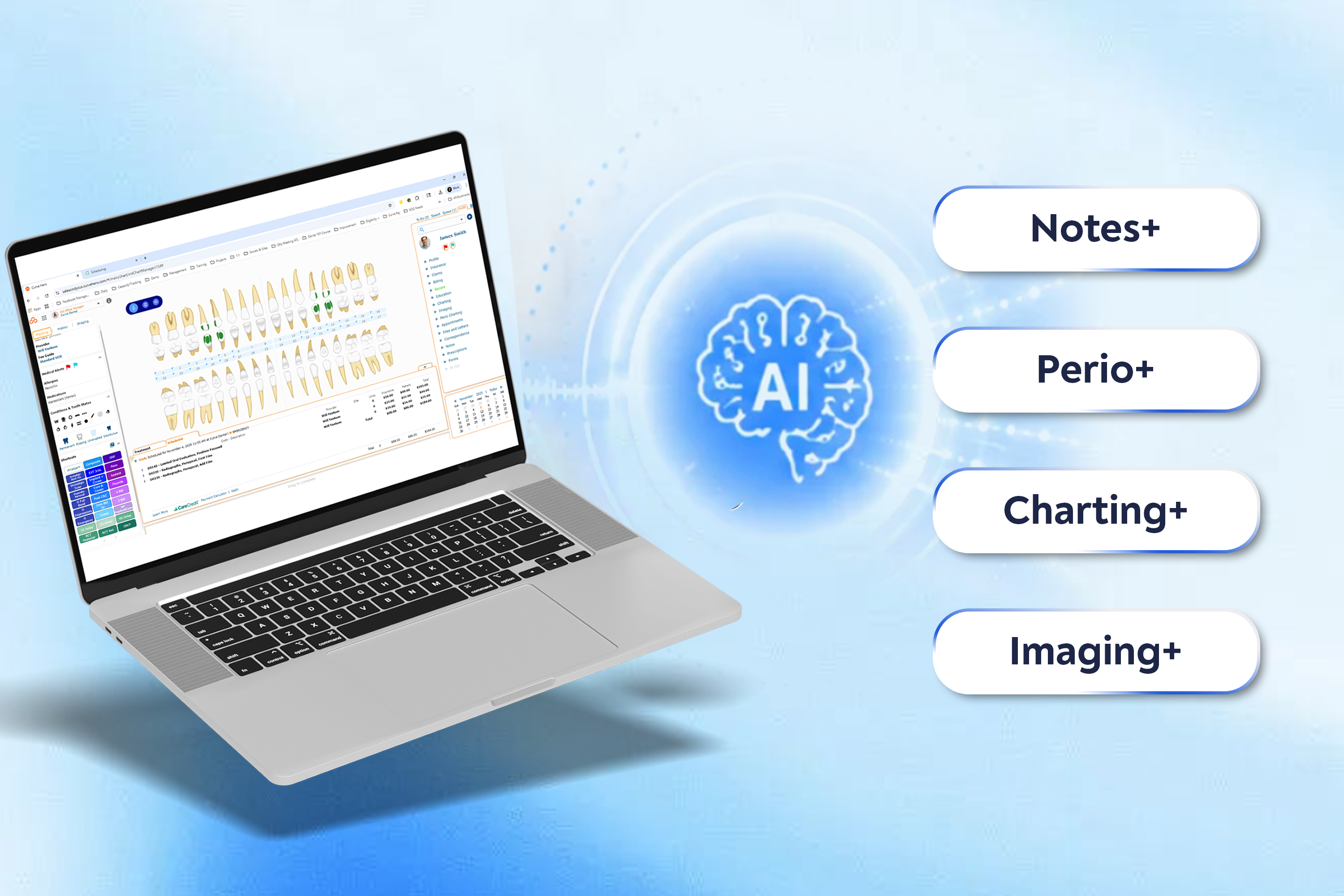
*Imaging powered by Pearl AI
Curve Collect+ delivers revenue intelligence that helps practices move faster.
Closing the gap between care delivered and revenue collected. AI-powered capabilities for collections, payments, reporting, and financial visibility—built to reduce friction, recover more revenue, and make billing predictable.
 Increase collections
 Improve
 patient experience
 Streamline your
 revenue cycle
.png)
Curve Connect+ brings AI-powered patient engagement to every touchpoint.
AI-powered workflows that automate the work your team doesn't have time to do manually. Scheduling, reminders, recall, and reactivation—running in the background, keeping chairs full without adding to anyone's plate.
 Strengthen
patient relationships
 Increase visits
 and case acceptance
 Boost loyalty
 and retention
Available Now: AI call summaries powered by Mango Voice

Multiply capacity
without multiplying headcount.
Hear how AI and automation are helping dental practices replace inefficient staffing models by streamlining workflows and enabling smaller, more effective teams.

Learn More About AI Tools In Dentistry

AI Tools in Dentistry: What’s Real, What’s Hype, and Why It Matters

AI in Dentistry – Don’t Fall Behind