
Dental Imaging Software Guide: Features, Types, Benefits, and How to Choose the Right Platform
Dental imaging software has become one of the most important investments a practice can make — yet many dentists still evaluate it like they're buying a printer.
That mismatch can cost practices time, money, and diagnostic accuracy they don’t always realize they’re losing.
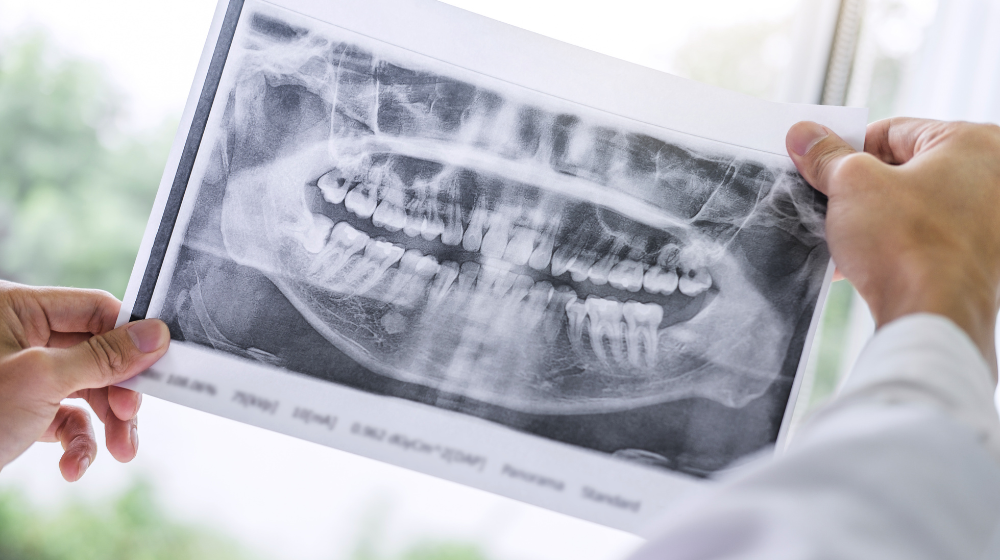
At its core, dental imaging software captures, stores, displays, and analyzes radiographic and photographic images — from standard X-rays to 3D cone beam CT scans. It’s the digital backbone connecting imaging hardware to clinical decisions and patient records.
What’s changed in recent years is how much these platforms can actually do. AI-powered dental imaging tools are increasingly FDA-cleared and entering everyday clinical workflows — not as future add-ons, but as practical diagnostic support.
Understanding what separates a capable platform from an average one starts with knowing which features actually move the needle.
Key Features of Dental Imaging Software
Understanding what makes dental imaging software useful starts with focusing on what matters in real workflows — not just what looks good in a demo.
Image acquisition and enhancement sit at the foundation. Strong platforms capture radiographs, intraoral photos, and 3D CBCT scans, then provide tools to adjust brightness, contrast, and sharpness for confident diagnosis.
Image management is just as critical — organizing, tagging, and retrieving patient files instantly keeps workflows moving.
Increasingly, dental software is incorporating AI-assisted detection, automatically flagging potential issues like caries or bone loss to support clinical judgment. Integration with practice management systems is equally important. Siloed imaging creates daily friction for staff.
The best platforms don’t just support diagnosis — they improve communication. Patient-facing visuals and annotated images help explain treatment clearly and can directly improve case acceptance.
Types of Dental Imaging Software
Not all dental imaging software serves the same purpose. The category includes several distinct tools, each designed for different workflows.
Here’s a practical breakdown:
-
Radiograph management software — Captures and organizes 2D X-rays (bitewings, periapicals, panoramics)
-
3D imaging and CBCT software — Supports advanced diagnostics, implant planning, and orthodontics
-
CAD/CAM dentistry software — Connects digital impressions to in-office restorations
-
Intraoral camera software — Converts live imaging into documentation and patient education
The right type depends on the procedures you perform most — not the most advanced option available.
A general practice has very different needs than a surgical or implant-focused office.
Common Use Cases in Dental Practices
Dental imaging software isn’t just a storage system — it actively shapes how care is delivered.
Diagnosis and treatment planning are the most obvious uses. Imaging improves detection of decay, bone loss, and implant planning accuracy.
In restorative workflows, digital scans now connect directly to CAD/CAM systems — and increasingly to 3D printing, enabling same-day crowns and guides.
Patient communication is another major use case. Showing a patient a visual of a cracked tooth is far more effective than explaining it verbally.
Practices also rely on imaging for:
-
Insurance documentation
-
Specialist referrals
-
Monitoring long-term conditions like periodontal disease
These workflows depend on fast, organized access to images.
Selecting the Right Dental Imaging Software
Knowing how software is used is only half the equation — choosing the right platform is where most decisions break down.
Start with integration. Any imaging software should connect cleanly with your practice management system. Disconnected systems create duplicate work, billing errors, and frustration.
Other key considerations:
-
Hardware compatibility — Works with your existing sensors and devices
-
Scalability — Supports growth or multiple locations
-
Support and training — Ensures smooth onboarding
-
Compliance — Meets HIPAA and FDA requirements
The best software isn’t the one with the most features — it’s the one that fits how your practice actually operates.
Categories of Popular Dental Imaging Software
After narrowing your criteria, the next step is understanding how different platforms compare.
Most solutions fall into three categories:
-
Standalone imaging platforms — Focus on image quality and flexibility
-
Integrated platforms — Combine imaging with scheduling, charting, and records
-
AI-enhanced platforms — Add diagnostic support on top of existing workflows
Each option varies in strengths across 2D, 3D, and intraoral imaging. The key differentiator isn’t features — it’s workflow fit.
A powerful platform that disrupts your team’s process creates more problems than it solves.
Industry Trends and Innovations
Dental imaging software continues to evolve quickly.
Artificial intelligence is the biggest driver. FDA-cleared AI tools are moving into everyday use, helping identify pathologies and support treatment planning in real time.
Cloud-based platforms are also gaining traction, allowing access across locations and supporting remote collaboration.
Key trends to watch:
-
Integration of 3D imaging with treatment planning
-
Automated patient communication tied to imaging results
-
Improved interoperability between systems
Practices that understand these trends early will be better positioned as adoption increases.
Common Misconceptions and Challenges
Even experienced practices run into misconceptions when adopting imaging software.
The biggest one: more features equals better results.
In reality, unnecessary complexity slows teams down.
Other common misconceptions:
-
“Setup is quick” — Integration often takes longer than expected
-
“AI replaces clinicians” — It supports, not replaces, decision-making
-
“All systems are compatible” — Compatibility should always be verified
One of the most overlooked challenges is training. Staff confidence directly impacts efficiency, image quality, and patient flow.
Key Takeaways
Dental imaging software is more than a digital upgrade — it’s a core operational system.
It affects everything from diagnosis to billing to patient trust.
Key points to remember:
-
Integration has the biggest impact on efficiency
-
AI supports clinical decisions, not replaces them
-
Misconceptions can lead to costly mistakes
-
Scalability should be considered from the start
The right platform doesn’t just capture images — it helps your practice run more smoothly.
*This content was partially generated by artificial intelligence. It may contain errors or inaccuracies, and should not be relied upon as a substitute for professional advice.

Curve Dental
The team behind Curve Dental serves up content across all things dentistry to help you make informed decisions for your practice(s).